Showing posts with label Text. Show all posts

Friday, 17 January 2014

3D mode in Photoshop

The newest version of Adobe Photoshop features a 3D mode for your shapes and text. In order to activate it you need to have your image mode set to RGB, then go to the 3D menu on top and select New Layer Extrusion.
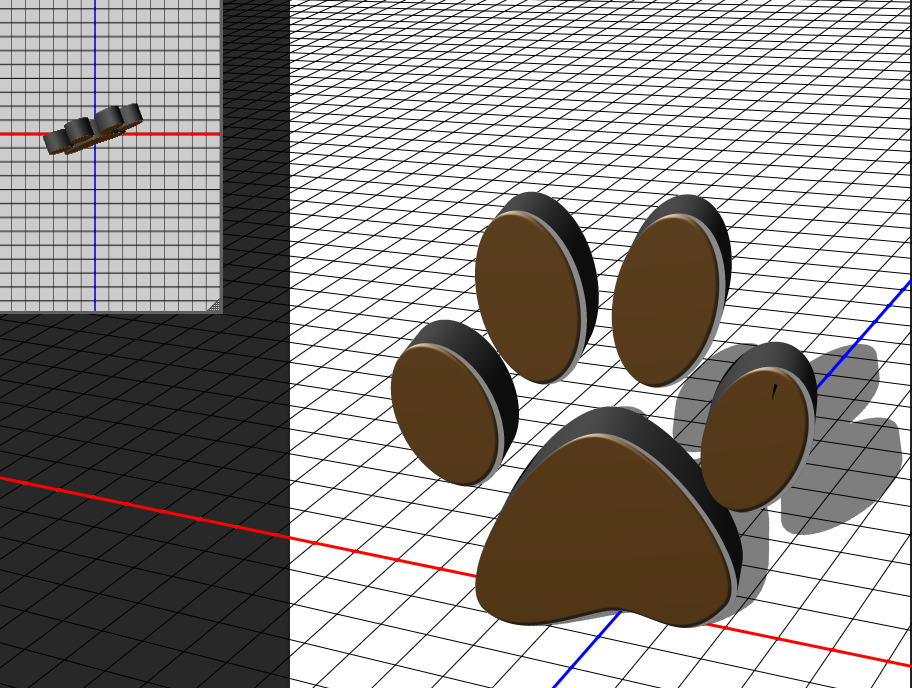

3D image example

You can use this tool for 3D text also, this creates a cool effect for headings.

Example of 3D text

Monday, 14 October 2013

Photoshop Text Tool

This is another photoshop entry, it is very basic but you can get excellent effects with it. Using the Text tool you can create, edit and add effects to texts.

When selected, you can click and drag on the canvas to set the size of the text box, which limits the space where you can type. Similar to other text editors, in photoshop you can select the size and type of font you are going to use in your image on the top left corner of the program.